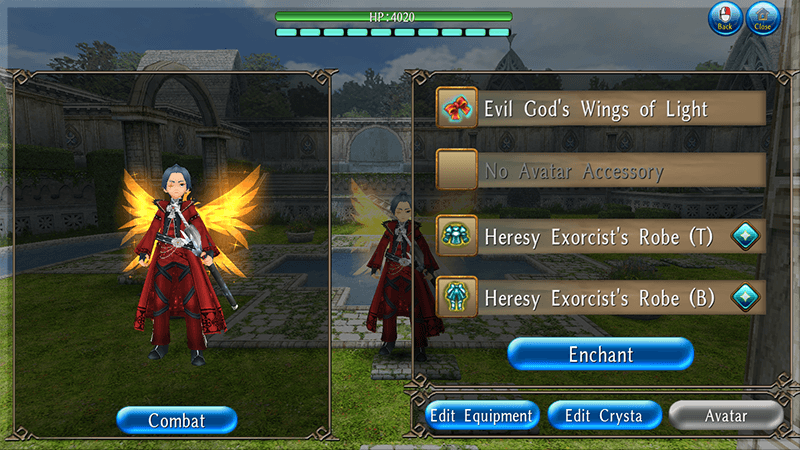
Equip Avatar items in the "Top", "Bottom", or "Accessory" slots to enchant them.
Select [Menu > Character > Equipment > Avatar] to change your avatars.
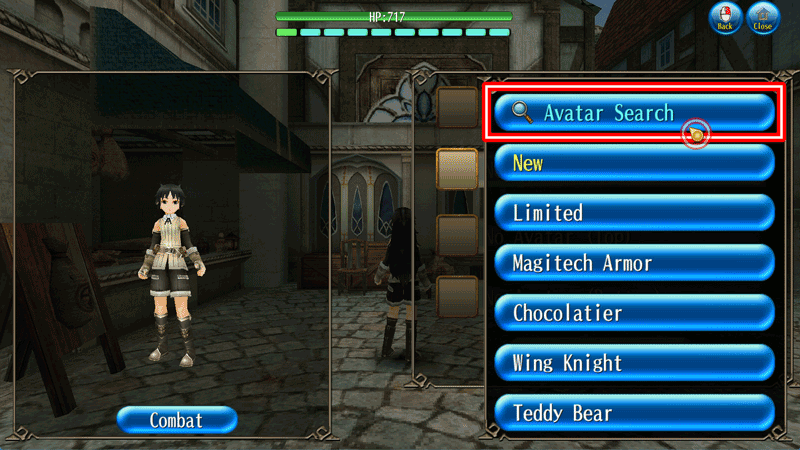
Avatar Search
Names and abilities granted with "Fairy Sewing Tool" can be used to search avatars.
If you are equipping an avatar, you can search avatar from [Menu > Character > Equipment > Avatar > Select an avatar > Tap the Back button at the top left of the screen (or the arrow button at the bottom right of the screen) > Avatar Search].
If you are not equipping an avatar, you can search avatar from [Menu > Character > Equipment > Avatar > Select an avatar slot > Avatar Search].
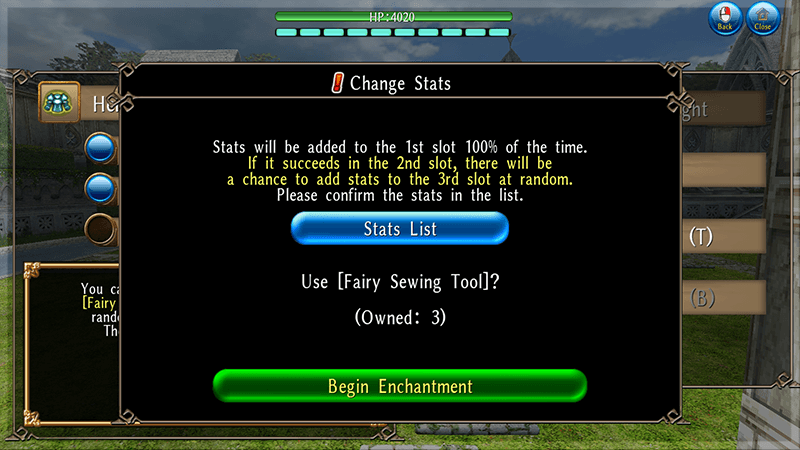
The stats to be granted are determined randomly, with up to 3 types of stats being added.
The stat in the 1st slot will be added 100% of the time, while the stat in the 2nd slot has a 50% chance of being added.
The stat in the 3rd slot will be added with a 25% chance if a stat is successfully added to the 2nd slot.
Starting Enchantment
If you are not satisfied with the granted stats, you can try again as many times as you like using a "Fairy Sewing Tool".
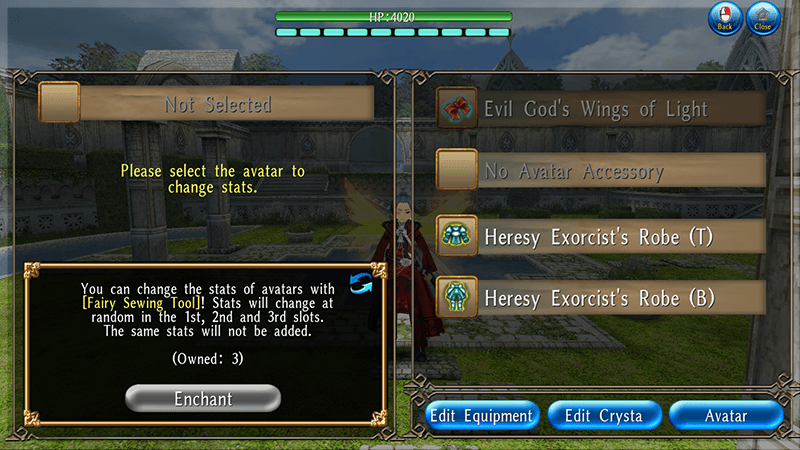
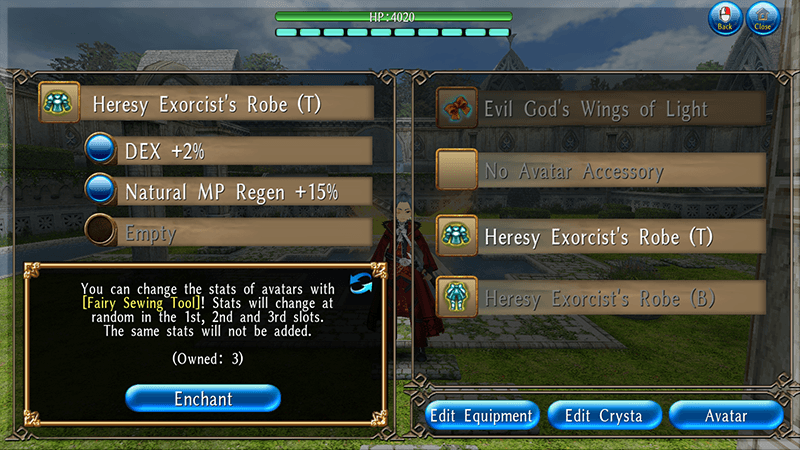
Tap [Menu > Character > Equipment > Avatar > Enchant] and tap the item you want to grant stats to.
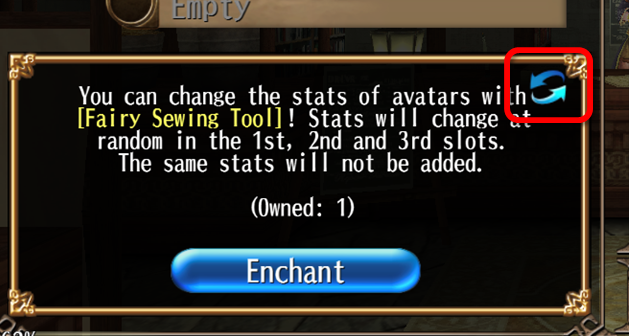
Tap the arrow icon in the bottom-left window to use "Fairy Pattern Paper".
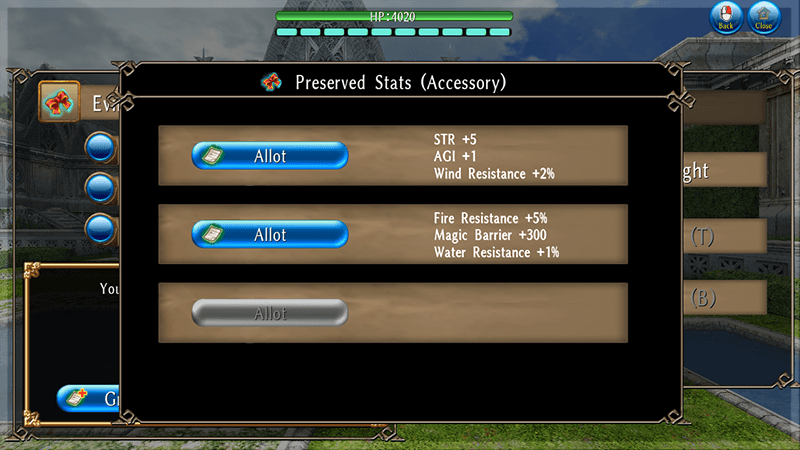
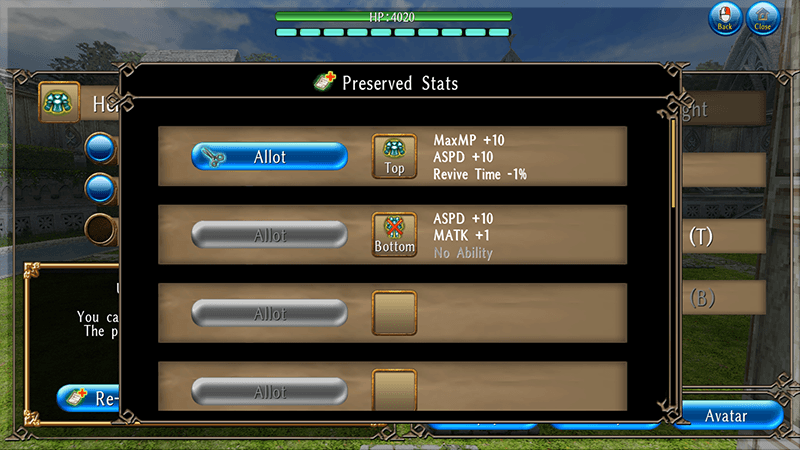
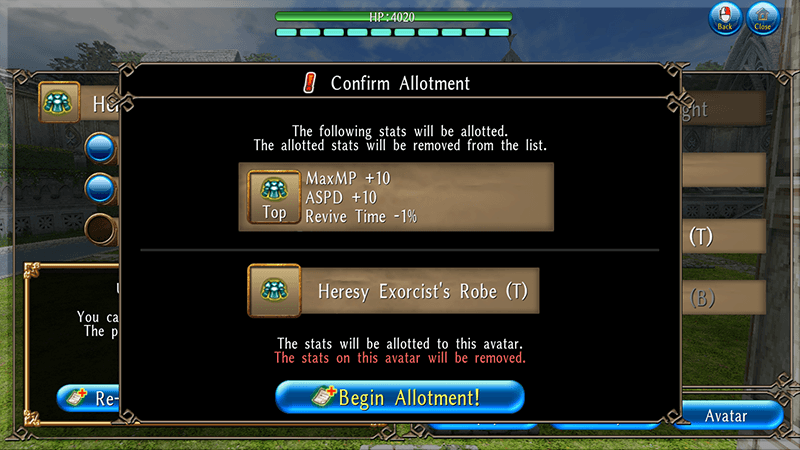
Tap "Grant", and select the stats you want to grant.
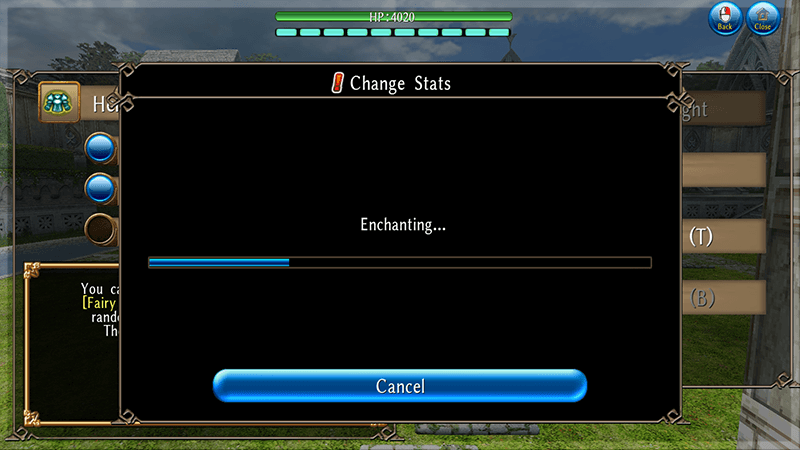
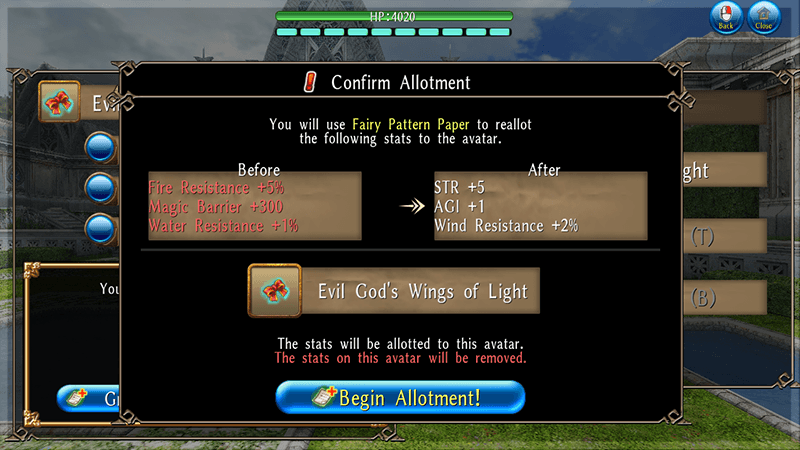
Tap "Begin Allotment!" and it will be completed when the bar is fully filled.
You can cancel the allotment before the bar is fully filled.
*"Fairy Pattern Paper" will be consumed when stats are applied to the avatar.
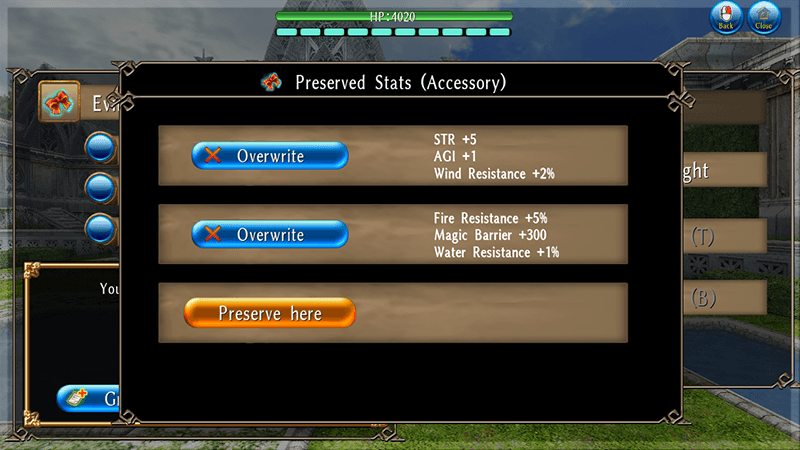
*Preserved stats will not be lost even after you apply them to an avatar.
*The previous system will be used when granting stats extracted prior to the maintenance on July 30, 2026.
No "Fairy Pattern Paper" will be consumed when realloting stats extracted under the old system.
For details on the old system of "Fairy Pattern Paper", please refer to the following section. "Fairy Pattern Paper" Before the Maintenance on July 30, 2026(Tap for details)
Extracting Stats Using "Fairy Pattern Paper"
Go to [Menu > Character > Equipment > Avatar] and equip avatars with stats in slots other than the top "Accessory" slot.
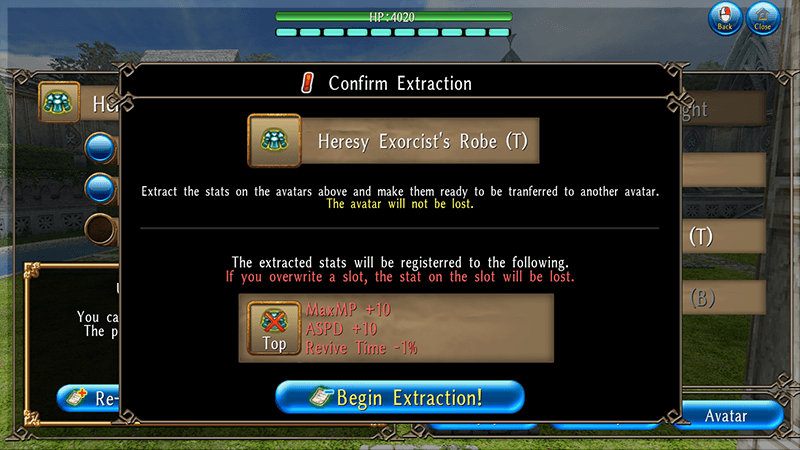
Tap "Enchant" and select the avatar you want to extract stats from, then tap the arrow icon in the bottom-left window to use "Fairy Pattern Paper".
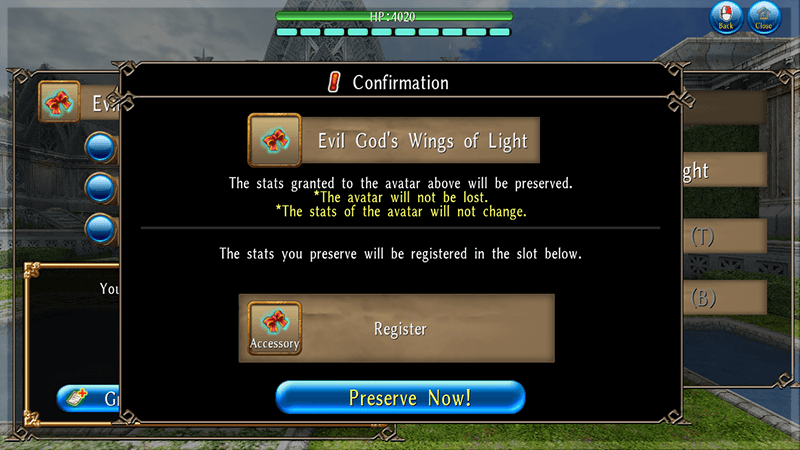
Tap "Extract" and select a slot to save the extracted stats.
Tap "Begin Extraction!" and it will be completed when the bar is fully filled.
You can cancel the extraction before the bar is fully filled.
* The stats to be granted can be viewed in the "Stats List".
* Stats displayed in yellow indicate their maximum values.
* The same type of stat will not be granted at the same time.
e.g.) If "STR +1" is added to the 1st slot, "STR" stats such as "STR +5" and "STR +10" will not be added to the 2nd and 3rd slot.
* Granting extracted stats to an avatar will remove its original stats.
* Extracted stats can only be granted to items in the same equipment slot as the item they were extracted from (Top → Top, Bottom → Bottom, Accessory → Accessory).
e.g.) The stats extracted from a Top (avatar) can only be granted to a Top (avatar).
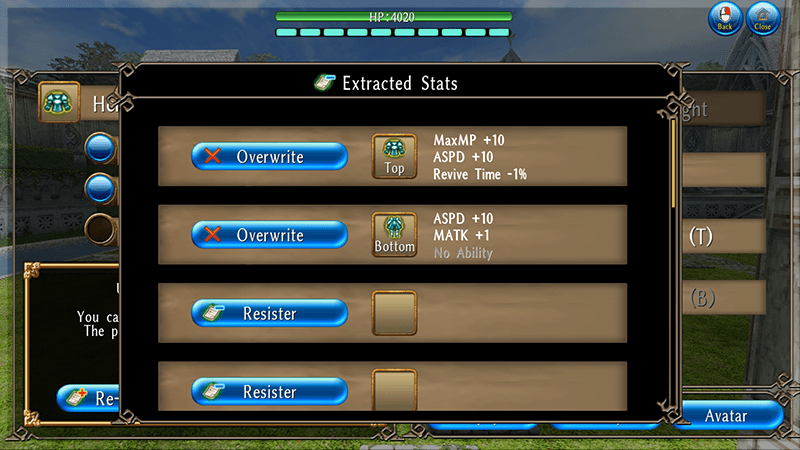
* If you overwrite an extracted stat, the Fairy Pattern Paper used to extract the overwritten stat will not be returned.
* Please note that in-game text and descriptions are subject to change at a later date.